New Class Manager currently sends out the following automated and triggered emails:
Emails Sent From Your Company
Emails are sent from the Company name <no-reply@classmanager.com> but when a user replies to the email, all replies will come to the company's main email address. This can be updated in 'Settings' > 'Company information'.
-
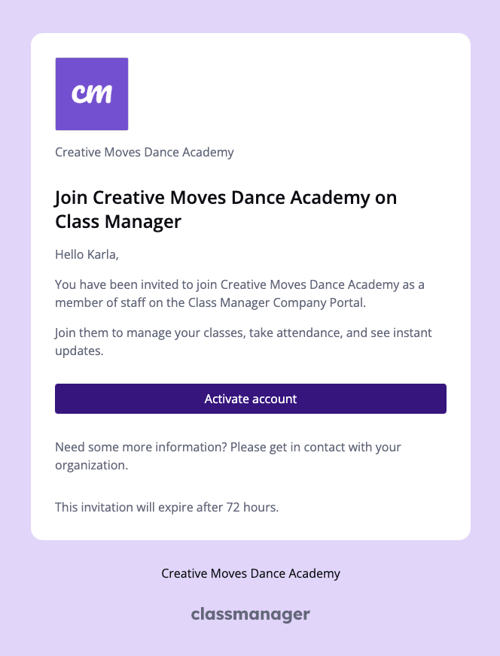
Invite staff
This is sent when the company invites a member of staff. This email expires in 72 hours.
Subject: [Company name] invited you to Class Manager
Content:
-
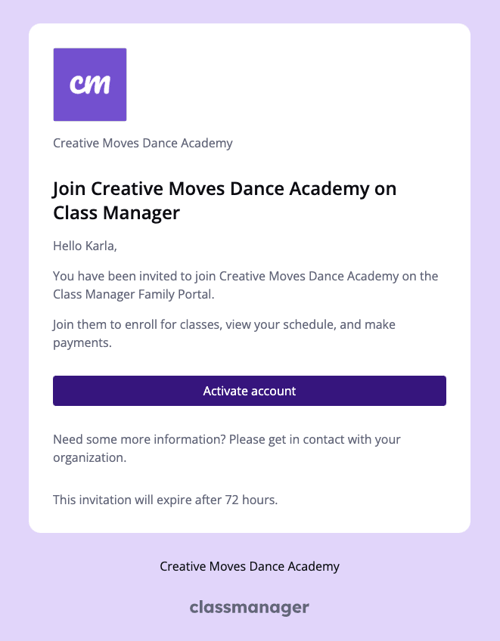
Invite family
This is sent when the company invites a family to join the family portal. This email expires in 72 hours.
Subject: [Company name] invited you to Class Manager
Content:
-
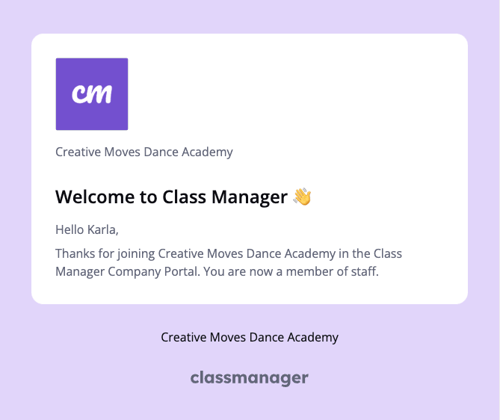
Staff welcome email
This is sent when a staff member successfully completes their registration.
Subject: Welcome to [Company name]
Content:
-
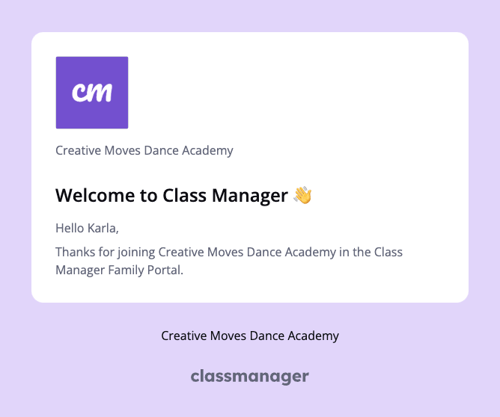
Family welcome email
This is sent when a family successfully completes their registration.
Subject: Welcome to [Company name]
Content:
-
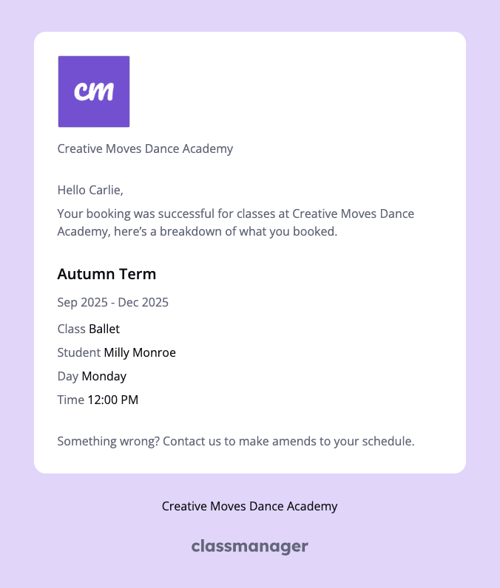
Booking confirmation
This is sent when a student is added to an enrolled class, drop-in class, trial, or when a product purchase or successful checkout is completed through the company or family portal.
Subject: Booking confirmed at [Company name]
Content:
-
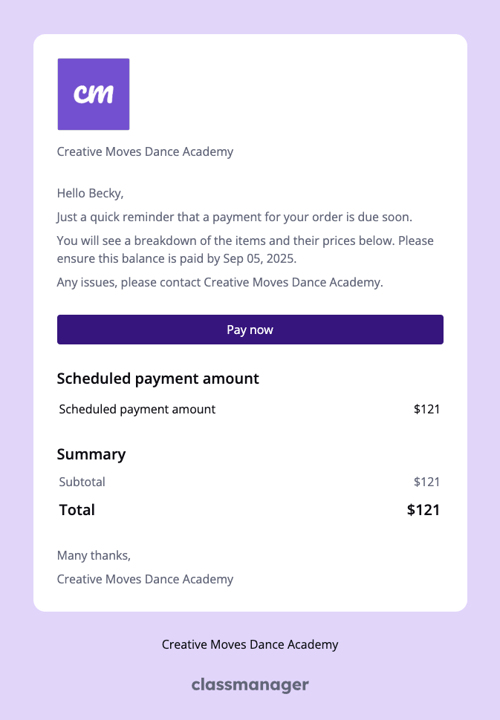
Payment due soon reminder
If the family does not have a saved card they will be sent a reminder to make a payment. This is sent at 6pm, 2 days before the instalment is due to be paid.
If a family has not created a Class Manager account, they will still be sent this email pay for each instalment.
Subject: Payment due soon - [Company name]
Content:
-
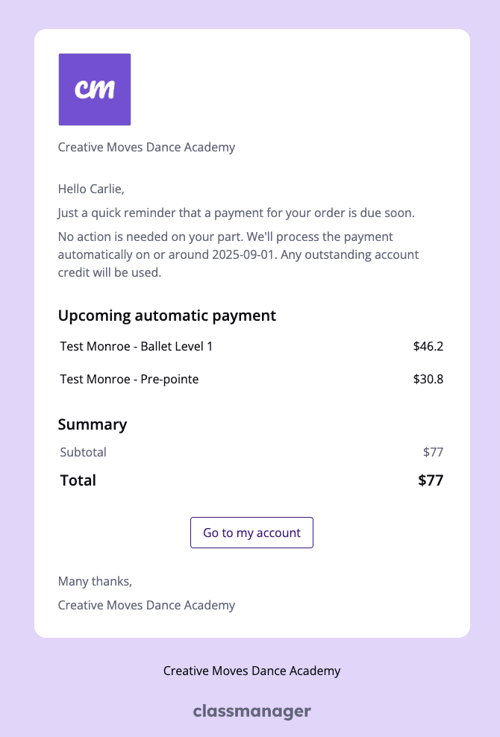
Automated payment reminder
If the family has a saved card they will be sent a reminder that a payment will be taken and they don't need to do anything. This is sent at 6pm, 2 days before the instalment is due to be paid.
If a family has not created a Class Manager account, they will still be sent this email to pay for each instalment.
Subject: Automated payment reminder - [Company name]
Content:
-
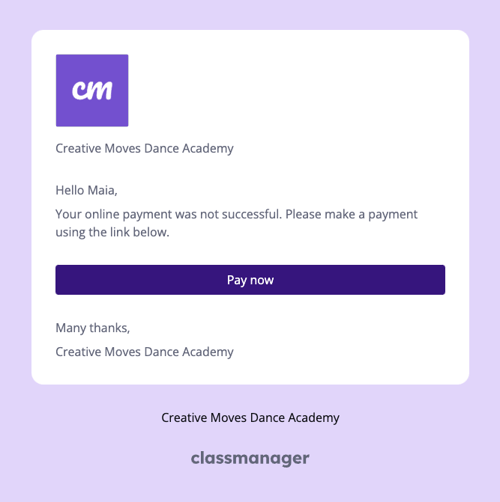
Failed payment
This is sent to the family only when a Stripe automated payment attempt is unsuccessful. They can pay directly from this email.
Subject: Online payment failed
Content:
Class Manager System Emails
We also send the following Class Manager branded emails:
-
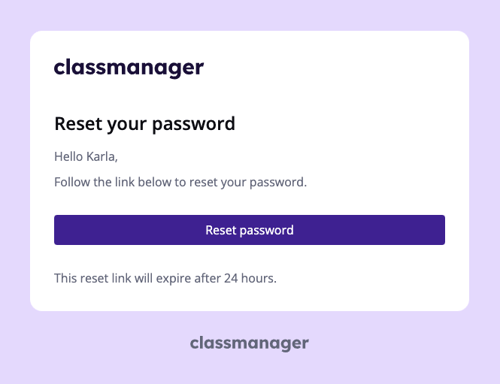
Forgot password
Sent when a user (staff, owner, family) clicks 'Forgot password' on the log in screen.
Subject: Reset your password
Content:
-
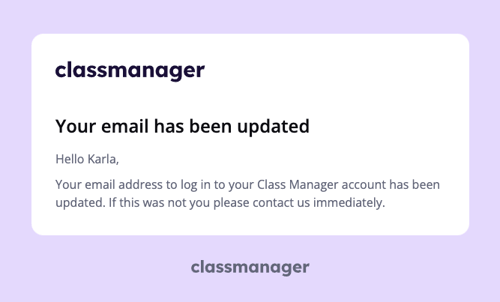
Email updated
Sent to the previous email address when a user (staff, owner, family) changes their account email.
Subject: Class Manager email updated
Content: